Mario Teaches Typing
Checking…
If you learned home-row positioning in a school computer lab in the early nineties, Mario Teaches Typing was likely the reason you squeezed extra speed out of your fingers.
How Interplay turned a Nintendo icon into a typing teacher
In the early 1990s, software stores were flooded with standard typing tutorials. Interplay founder Brian Fargo saw how well standard productivity programs sold and pitched Nintendo on an official spin-off. He wanted to combine home computing utility with familiar console characters.
Producer Thomas Decker led the team at Interplay Entertainment Corp. to turn the idea into software. Programmers Kurt Dekker and Jay Patel built a side-scrolling engine around keyboard input. Nintendo granted the license, and the game hit store shelves in 1992.
The floppy release marked a historic moment for Nintendo fans. Voice actor Ronald B. Ruben provided audio clips for Mario, giving the plumber his very first spoken performance in software history. Hearing digitized speech through a Sound Blaster card gave the game instant appeal on IBM PCs.
Mario Teaches Typing turns simple keystrokes into platformer actions
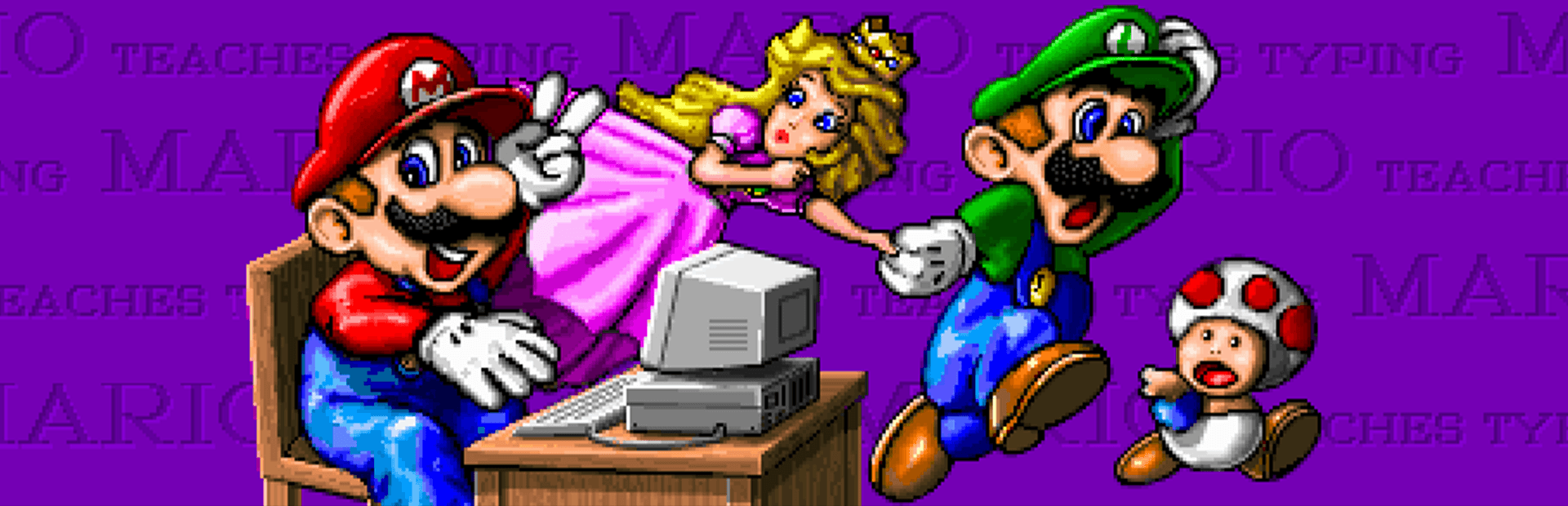
You select Mario, Luigi, or Princess Toadstool before starting a lesson. The game presents a side view of familiar Mario terrain, complete with brick blocks, pipe obstacles, and Koopa Troopas. Rather than using a joystick, your finger speed controls every movement on screen.
The core concept ties correct key presses directly to character actions. Hit the character shown above a block, and Mario smashes it from below. Type the letter attached to an approaching enemy, and he jumps cleanly over the hazard.
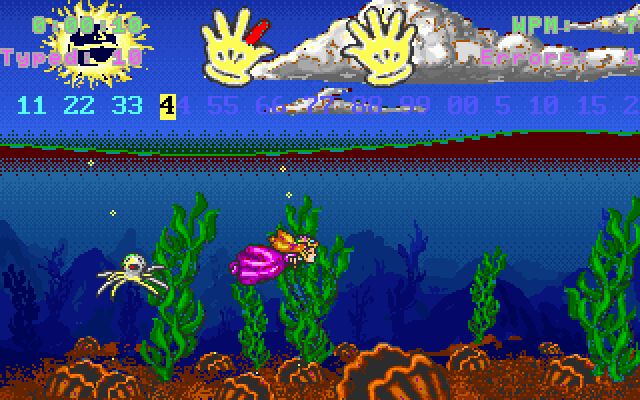
Audio feedback plays a huge role during gameplay. Correct entries trigger crisp jump effects and coin sound effects. The underlying music adapts themes from console platformers, making practice sessions feel lively.
Why typing errors halt your momentum on every stage
The mechanical design enforces strict accuracy over wild guessing. If you strike a wrong key, your character freezes instantly on screen. The cursor refuses to move forward until you find and press the exact correct key.
This design choice creates sudden walls during high-speed runs. A single missed letter drops your character into a trap or leaves Mario stuck in front of an obstacle. You cannot buffer ahead or bypass a tricky character by mashing neighboring keys.
Striking the correct key requires disciplined finger placement. While this strict feedback trains proper form, it frustrates young players who want to sprint through levels. Speed naturally follows accuracy, but early missteps slow the action to a complete crawl.
Four distinct lessons structure the learning curve
The game splits its exercises into four distinct stages that build up your skills:
- Mario's Smash & Dash: Focuses on single letters and basic home-row positions as you run past blocks and turtles.
- Mario's Wet World Challenge: Forces you to swim past marine hazards by quickly clearing scrolling words across the bottom.
- Mario's Tunnel Of Doom: Increases difficulty in an underground passage where full sentences scroll above traps and falling blocks.
- Mario's Expert Express: Operates as a pure practice mode where you transcribe entire paragraphs while Mario supervises your progress.
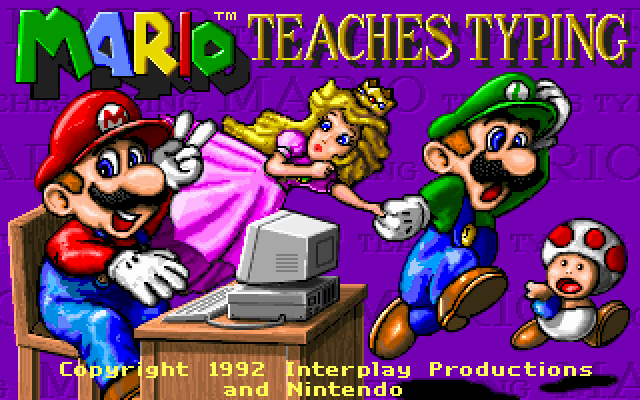
This ladder allows raw beginners to start with individual keystrokes before tackling prose. By the time you reach paragraph practice, the engine measures your words per minute alongside your raw accuracy rates.
As an educational game, it kept selling across four consecutive years. Interplay pushed over 800,000 copies to families and schools. It proved that recognizable gaming stars could transform routine drills into popular PC software.
Where Mario Teaches Typing succeeds and where to try it today
The side-scrolling format still makes home-row drills surprisingly easy to stick with. While the typing mechanics lack flexible error forgiveness, the clear visual feedback holds up. It is still a solid tool for teaching touch-typing fundamentals to beginners.
You can play Mario Teaches Typing online today without needing real MS-DOS hardware. Launching the Mario Teaches Typing MS-DOS game directly in your browser lets you jump into Smash & Dash within seconds.
You can run Mario Teaches Typing free in your browser right now with nothing to install. Load up Smash & Dash for ten minutes to test your home-row speed and hear Mario speak his earliest digitized lines.
How Mario Teaches Typing is played — the keys the game listens to, grouped by what they do.
- Interface
Highlighted keys are mapped — hover or tap one to see what it does.
Control map is incomplete based on available source notes.
Players' controls
Touch and gamepad controls
The on-screen keyboard and gamepad mapping the browser player uses on a phone, a tablet or a controller, as opposed to the real keys above. $PRO members make their own in the player and share them here; anyone can pick one to play with.
Make your own touch controlsPRO
- 1Open the editorSign in below, then pick what to make. The game starts with the editor open over it.
- 2Place your keysAdd keys and drag them where your thumbs rest, or map a controller's buttons. Test plays the game with them; Save keeps them, and you play with them from then on.
- 3Share themShare them right after saving in the game, or name and share them here. Players vote, and the best become this game's controls for everyone.
Go PROSee how it worksSign in+20 XP for sharing · +50 XP if yours become the game's own
- The game's own controlsKeyboardGamepadWhat every player starts with.In use
2 screenshots
From the archive
No gameplay video yet
No gameplay video for Mario Teaches Typing yet. Sign in to add one.
No reviews yet
Tell the community what you think of Mario Teaches Typing. Reviews are public and tied to your username.
No archived manuals for Mario Teaches Typing yet
No manuals archived for this title yet. Sign in to upload the first scan.
Cheat codes, console commands and memory pokes for Mario Teaches Typing — each one verified and attributed.
Sign in to submitNo cheats yet for this title
Know a working cheat, poke or trainer? Add it with the button above. Moderators check every entry before it goes live.
No archived soundtrack for Mario Teaches Typing yet
No soundtrack archived for this title yet. Sign in to upload the first rip.
No save states for Mario Teaches Typing yet
No save states for this title yet. Sign in to share one.
Discussions
Sign in to post- Threads0
- Total posts0
- Online now6
Community · Mario Teaches Typing
Who's contributing, and what's new
- Reviews0
- Threads0
- Uploadsapproved0
- Contributors0
Recent activity
Nothing here yet
Reviews, discussion threads and approved uploads appear here as members add them.