
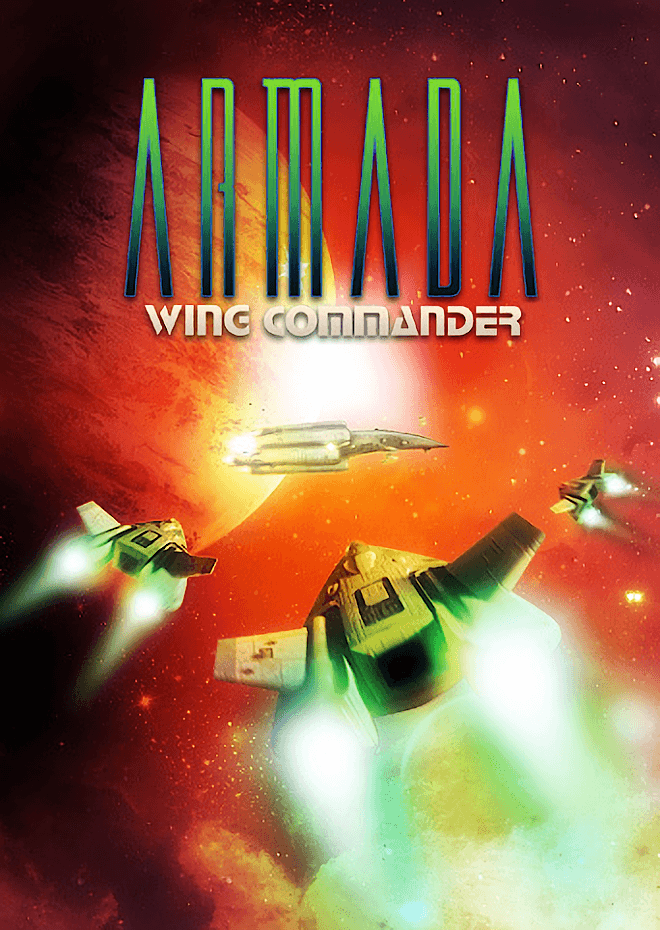
Wing Commander Armada drops the heavy cinematic cutscenes of the main series to focus on head-to-head tactical sector control and full 3D space combat. You command a light carrier, survey systems for resources, and jump straight into the cockpit of fighters like the Arrow and Dralthi to decide every encounter yourself.
This 1994 release asks you to take complete responsibility for an entire star sector rather than following scripted plot beats. Origin Systems took the space combat engine in a wild direction by combining turn-based fleet management with manual dogfighting, but that freedom comes at the price of the memorable wingmen and branching storylines that defined the main series.
In the main strategic mode, you move your light carrier across a map made of connected star systems. You explore planets, extract resources, build shipyards, and erect fortifications to defend your territory or clear a path to the enemy carrier. When two forces meet, the game stops acting like a board game and throws you into first-person fighter combat. If you want a quick scrap without managing mines and trade routes, you can jump into Gauntlet mode for endless enemy waves or Battle mode for direct head-to-head fights.
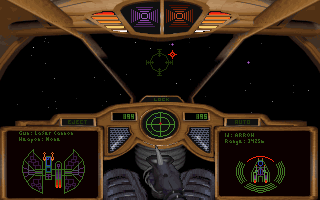
Instead of the flat scaling sprites of earlier entries, this title served as Origin’s testbed for true 3D space combat tech. Built on the RealSpace engine first used in Strike Commander, it rendered textured 3D ship models in real time, serving as a technical bridge to Wing Commander III. The trade-off was that hardware demands forced the team to cut the elaborate live-action FMV scenes and cast interactions, leading critics at the time to call it a chess match version of the franchise.
The missing story places all the weight on combat mechanics and sector logistics. Flying a Terran Arrow or a Kilrathi Dralthi into full 3D dogfights was a huge jump from the sprite-scaling days, but the computer opponent leaves a lot to be desired. As contemporaneous reviews from outlets like Abandonware France pointed out, the strategic AI is exceptionally basic, often blundering straight into your traps or failing to guard vital resource hubs.
Multiplayer was where the game really pushed forward back in 1994. The developers included split-screen head-to-head play alongside serial cable, null-modem, and IPX network connections. For long-distance strategy matches in the pre-internet era, players actually saved their turn state onto a floppy disk and mailed it to a friend to take the next move. Doing that over a modern network requires far too much emulator configuration to set up manually, but the underlying turn-based design remains fascinatingly flexible.
Control choices can trip up modern players who expect mouse flight. The game strictly requires a joystick or keyboard input for flight controls, leaving no option to steer with a mouse. Sound hardware integration also brought a famous quirk on Sound Blaster cards, where machine gun fire ignores your volume slider entirely and blasts out at maximum volume during dogfights.
The physical documentation came with a lore manual titled Voices of War, which offered rich backstories written from both Terran Confederation and Kilrathi viewpoints. That booklet supplied the flavor that the game engine omitted. While magazine reviews from Electronic Arts distribution era publications like PC Gamer awarded high marks near 88% and White Wolf Inphobia praised the combination of one-on-one dogfights with sector wars, others noted that pure space combat did not hold up as well against games like TIE Fighter without a central narrative driving you forward.
For fans of simulation games from 1994, this entry provides a lean, combat-focused sandbox that strips away the talkative tavern scenes and forces you to sink or swim on tactical planning. A standard campaign round can be finished in an afternoon, making it a great pick if you want space combat without committing to a massive cinematic epic.
You can play Wing Commander Armada online right now in your web browser with nothing to install and no setup required. If you remember wrestling with null-modem cables or IPX networks back in the nineties, enjoying this Wing Commander Armada MS-DOS game as a frictionless browser session takes all the friction out of the experience.
New players often try to use their mouse to aim during their first flight, only to find the target reticle frozen in place while an enemy Dralthi shreds their shields. Map your flight controls to a USB gamepad or get comfortable with the keyboard arrow keys before jumping into your first sector battle, and turn down your system speaker volume before pulling the machine gun trigger.
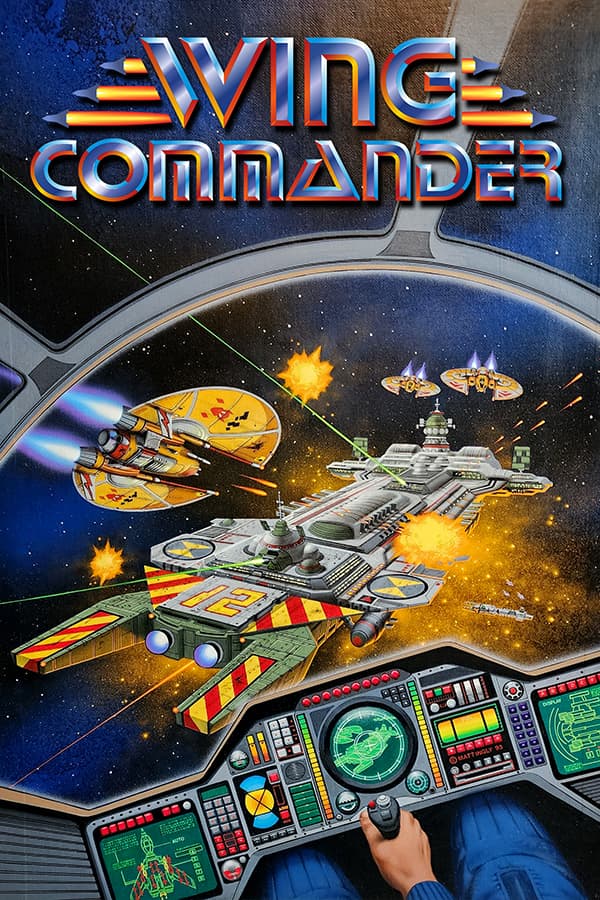
Wing Commander Armada drops the heavy cinematic cutscenes of the main series to focus on head-to-head tactical sector control and full 3D space combat. You command a light carrier, survey systems for resources, and jump straight into the cockpit of fighters like the Arrow and Dralthi to decide every encounter yourself.
This 1994 release asks you to take complete responsibility for an entire star sector rather than following scripted plot beats. Origin Systems took the space combat engine in a wild direction by combining turn-based fleet management with manual dogfighting, but that freedom comes at the price of the memorable wingmen and branching storylines that defined the main series.
In the main strategic mode, you move your light carrier across a map made of connected star systems. You explore planets, extract resources, build shipyards, and erect fortifications to defend your territory or clear a path to the enemy carrier. When two forces meet, the game stops acting like a board game and throws you into first-person fighter combat. If you want a quick scrap without managing mines and trade routes, you can jump into Gauntlet mode for endless enemy waves or Battle mode for direct head-to-head fights.

Instead of the flat scaling sprites of earlier entries, this title served as Origin’s testbed for true 3D space combat tech. Built on the RealSpace engine first used in Strike Commander, it rendered textured 3D ship models in real time, serving as a technical bridge to Wing Commander III. The trade-off was that hardware demands forced the team to cut the elaborate live-action FMV scenes and cast interactions, leading critics at the time to call it a chess match version of the franchise.
The missing story places all the weight on combat mechanics and sector logistics. Flying a Terran Arrow or a Kilrathi Dralthi into full 3D dogfights was a huge jump from the sprite-scaling days, but the computer opponent leaves a lot to be desired. As contemporaneous reviews from outlets like Abandonware France pointed out, the strategic AI is exceptionally basic, often blundering straight into your traps or failing to guard vital resource hubs.
Multiplayer was where the game really pushed forward back in 1994. The developers included split-screen head-to-head play alongside serial cable, null-modem, and IPX network connections. For long-distance strategy matches in the pre-internet era, players actually saved their turn state onto a floppy disk and mailed it to a friend to take the next move. Doing that over a modern network requires far too much emulator configuration to set up manually, but the underlying turn-based design remains fascinatingly flexible.
Control choices can trip up modern players who expect mouse flight. The game strictly requires a joystick or keyboard input for flight controls, leaving no option to steer with a mouse. Sound hardware integration also brought a famous quirk on Sound Blaster cards, where machine gun fire ignores your volume slider entirely and blasts out at maximum volume during dogfights.

The physical documentation came with a lore manual titled Voices of War, which offered rich backstories written from both Terran Confederation and Kilrathi viewpoints. That booklet supplied the flavor that the game engine omitted. While magazine reviews from Electronic Arts distribution era publications like PC Gamer awarded high marks near 88% and White Wolf Inphobia praised the combination of one-on-one dogfights with sector wars, others noted that pure space combat did not hold up as well against games like TIE Fighter without a central narrative driving you forward.
For fans of simulation games from 1994, this entry provides a lean, combat-focused sandbox that strips away the talkative tavern scenes and forces you to sink or swim on tactical planning. A standard campaign round can be finished in an afternoon, making it a great pick if you want space combat without committing to a massive cinematic epic.
You can play Wing Commander Armada online right now in your web browser with nothing to install and no setup required. If you remember wrestling with null-modem cables or IPX networks back in the nineties, enjoying this Wing Commander Armada MS-DOS game as a frictionless browser session takes all the friction out of the experience.
New players often try to use their mouse to aim during their first flight, only to find the target reticle frozen in place while an enemy Dralthi shreds their shields. Map your flight controls to a USB gamepad or get comfortable with the keyboard arrow keys before jumping into your first sector battle, and turn down your system speaker volume before pulling the machine gun trigger.
aka ウイングコマンダー アルマダ
How Wing Commander Armada is played — the keys the game listens to, grouped by what they do.
Highlighted keys are mapped — hover or tap one to see what it does.
Keybinds can be remapped in-game via the options menu (Alt-O) or configured by running INSTALL.EXE. Calibrate joysticks using the included calibration tool.
The on-screen keyboard and gamepad mapping the browser player uses on a phone, a tablet or a controller, as opposed to the real keys above. $PRO members make their own in the player and share them here; anyone can pick one to play with.
Cheat codes, console commands and memory pokes for Wing Commander Armada — each one verified and attributed.
Sign in to submitHow Wing Commander Armada is played — the keys the game listens to, grouped by what they do.
Highlighted keys are mapped — hover or tap one to see what it does.
Keybinds can be remapped in-game via the options menu (Alt-O) or configured by running INSTALL.EXE. Calibrate joysticks using the included calibration tool.
The on-screen keyboard and gamepad mapping the browser player uses on a phone, a tablet or a controller, as opposed to the real keys above. $PRO members make their own in the player and share them here; anyone can pick one to play with.
Cheat codes, console commands and memory pokes for Wing Commander Armada — each one verified and attributed.
Sign in to submit
Wing Commander1990
Wing Commander Armada1994 · this page
Wing Commander1990
Wing Commander Armada1994 · this page